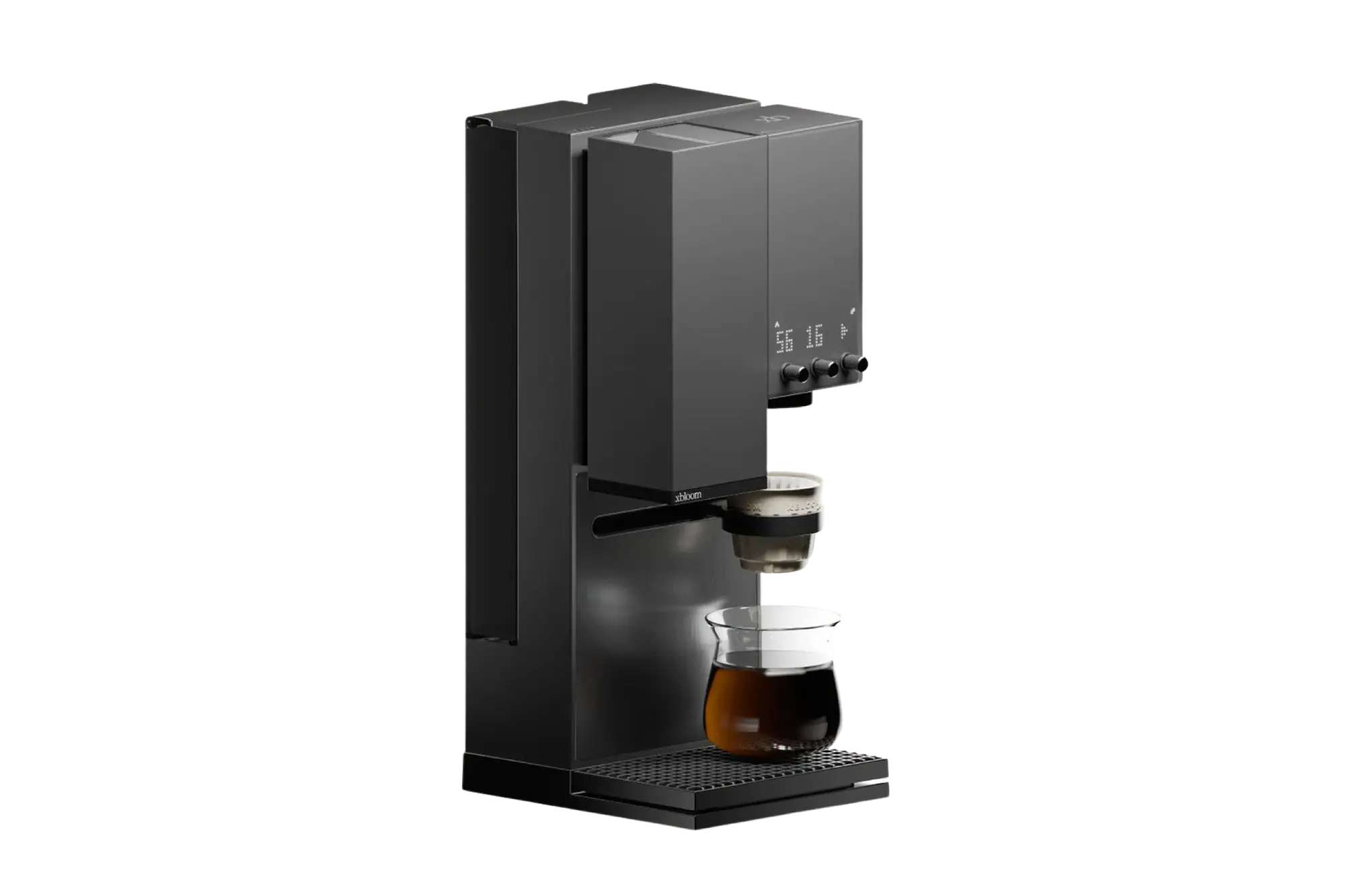

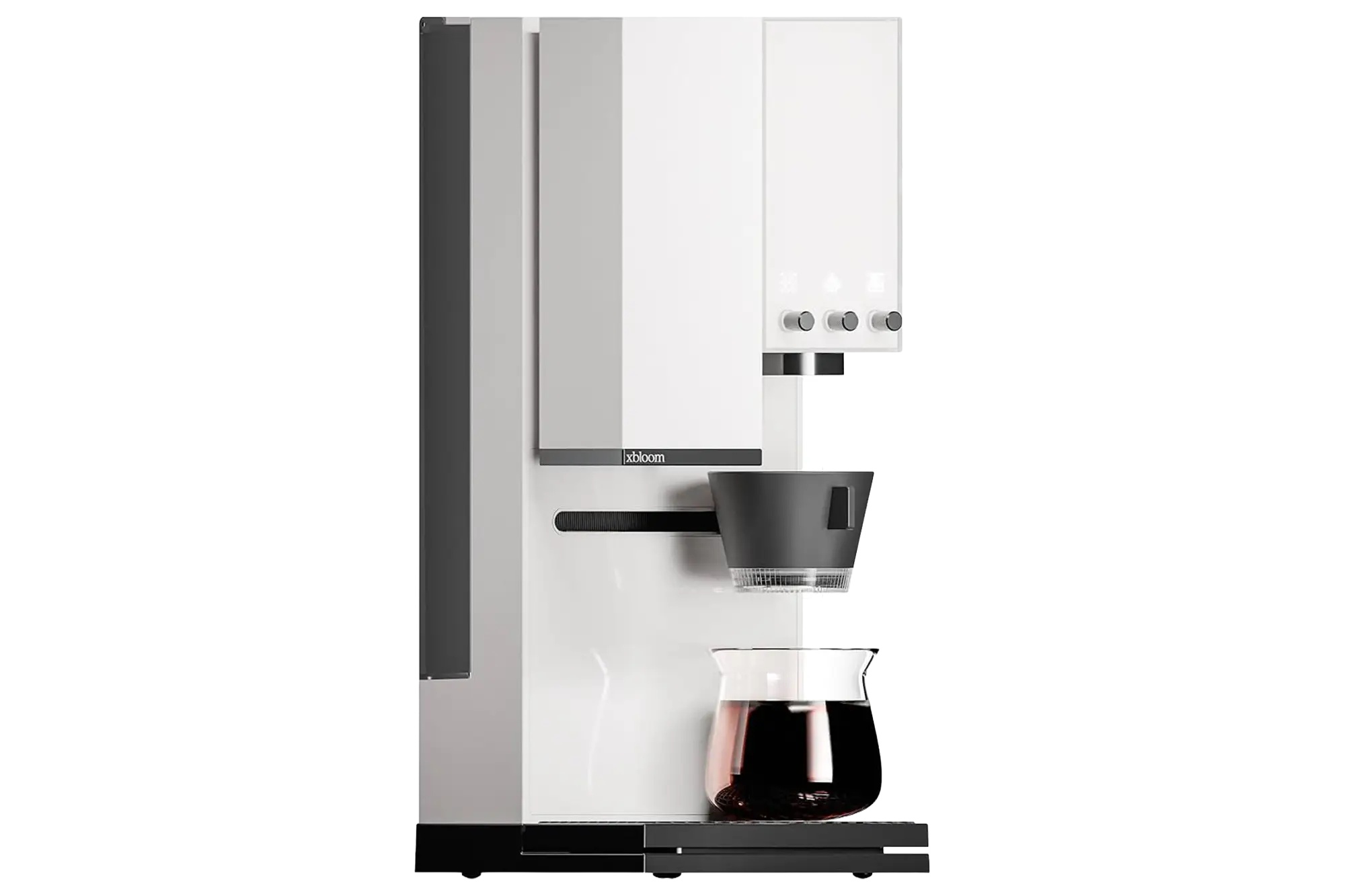
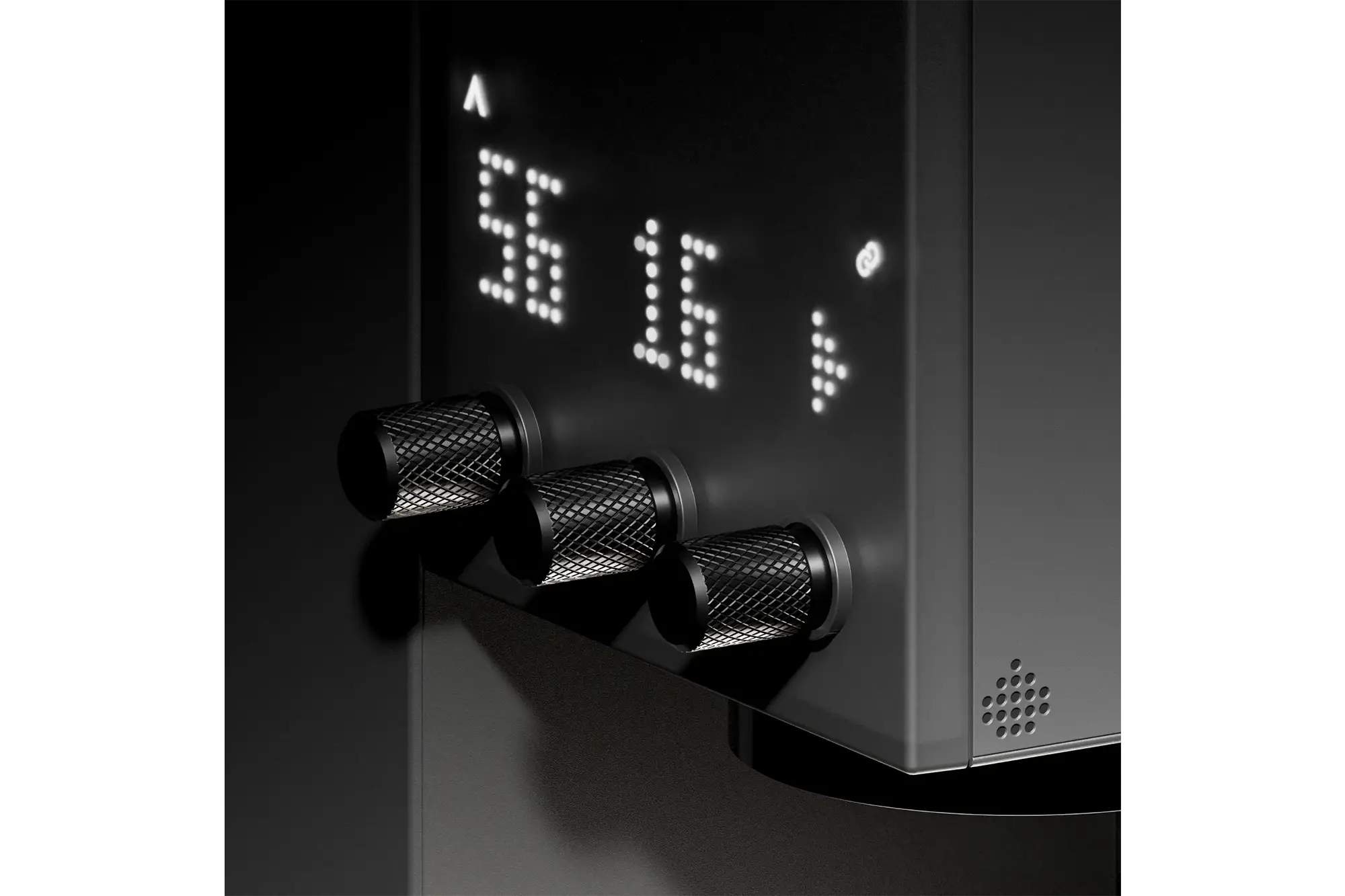
xBloom Studio
Contact us today for inquiries/purchases/consultation:
01798-598802 | 01755-674864
SPECIFICATIONS:
- Machine Type: Automatic pour-over coffee machine
- Integrated Functions: Coffee grinder, brewer and digital scale
- Grinder Burrs: 48mm stainless steel conical burrs
- Grind Settings: 80 adjustable levels
- Grinder Speed: Adjustable from 60–120 RPM
- Anti-Static System: Built-in ionizer to reduce grounds cling
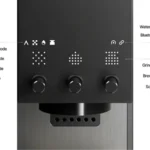
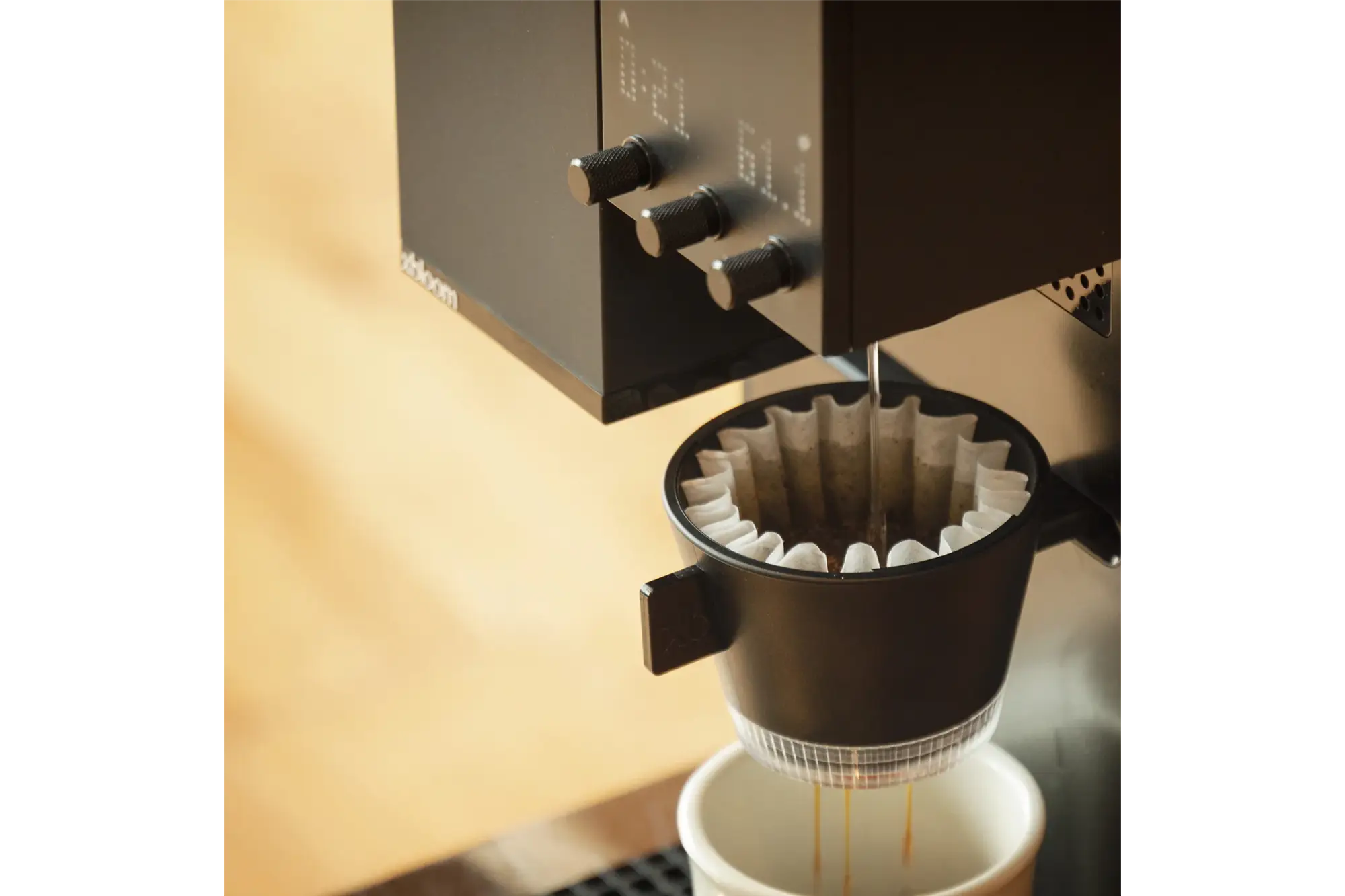
- Pouring Patterns: Centered, circular and spiral
- Heating System: Instant water heating with a metal-based nanofilm heating tube
- Water Tank Capacity: 946ml
- External Water Connection: Supported with suitable connection accessories
- Scale Capacity: Maximum 2kg
- Scale Resolution: 0.1g up to 1kg; 1g above 1kg
- Connectivity: Bluetooth 5.0
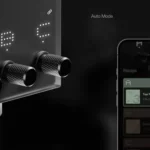
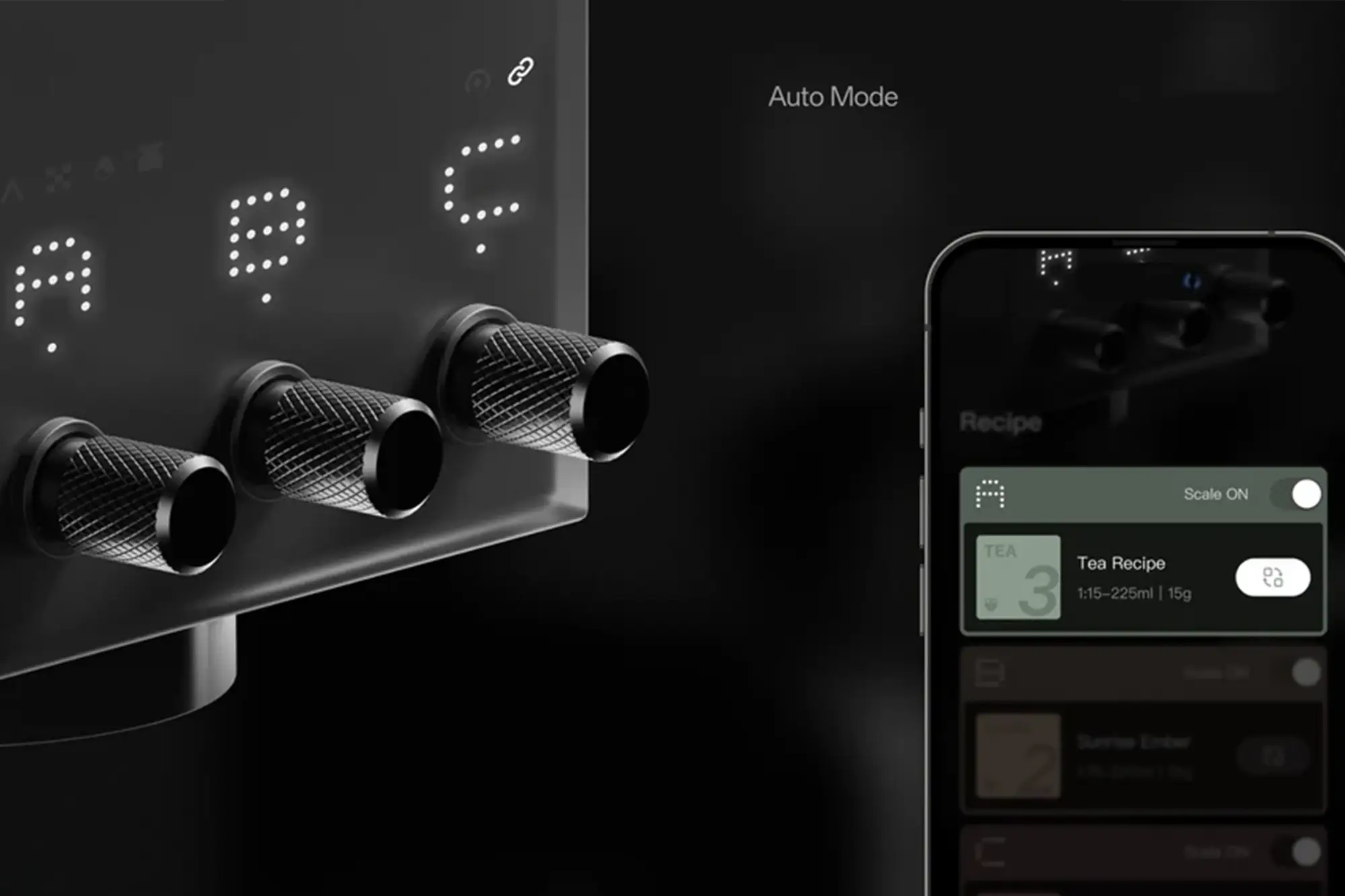
- Recipe Support: NFC recipe cards, digital app recipes and on-machine Auto Mode
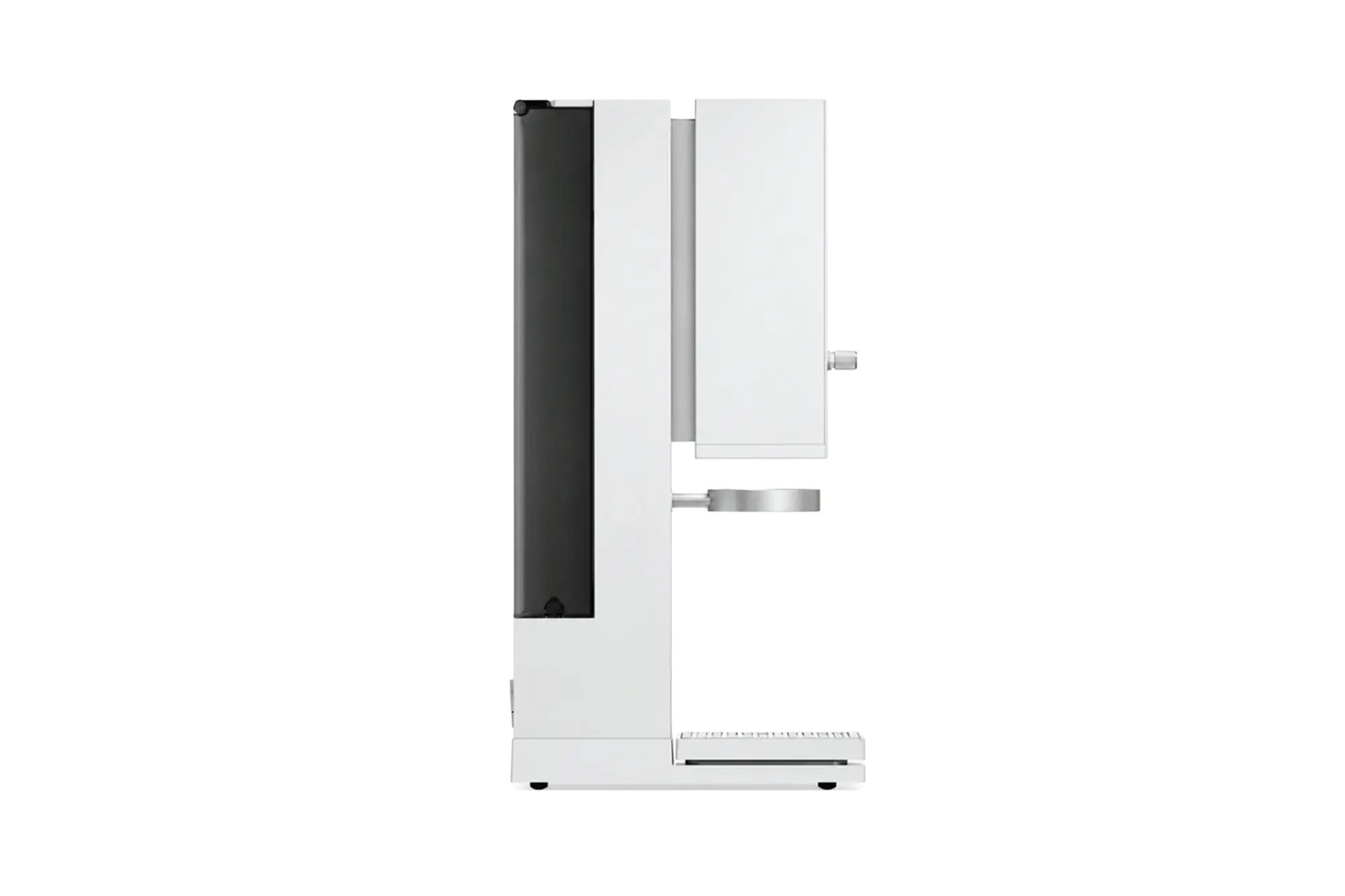
- Dimensions: 170 × 204 × 426mm (manufacturer-listed L × W × H)
- Net Weight: 5.1kg
DESCRIPTION
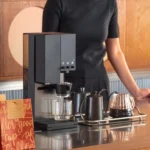
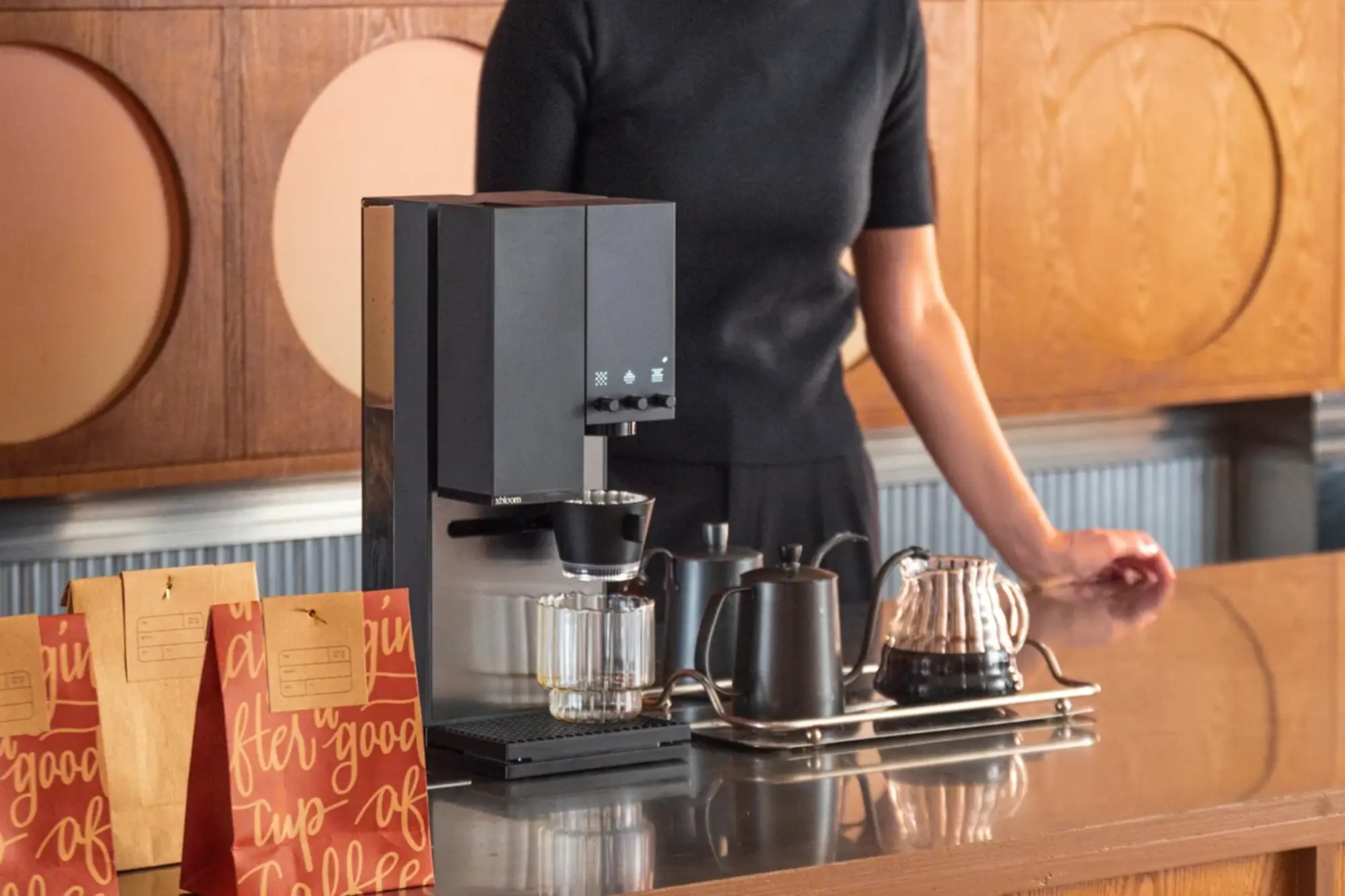
The xBloom Studio Automatic Pour-Over Coffee Machine brings freshly ground filter coffee into a compact, integrated brewing setup. Combining a grinder, precision brewer and digital scale, it simplifies daily preparation while giving coffee enthusiasts room to explore different beans and brewing recipes.
Designed and engineered in California, the Studio suits coffee lovers who want convenient automation alongside control over their brewing process. Its integrated design keeps essential brewing tools together, making it an appealing addition to a home coffee corner or personal workspace.
Choose xPods for a guided brewing experience, or prepare your own freshly roasted beans using Copilot mode. Adjustable grinding and pouring controls help you explore different approaches to pour-over coffee, while saved recipes make it easier to repeat your preferred preparation. The Studio brews filter coffee; espresso preparation requires a separate espresso machine.
Key Features & Specialities
- Integrated Grinder, Brewer & Scale: Keep essential coffee preparation tools together in one compact machine.
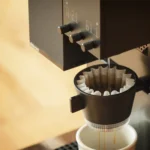
- 48mm Conical Burr Grinder: Grind whole beans immediately before brewing, with 80 settings for adjusting grind size.
- Adjustable Grinding Speed: Select a grinder speed between 60 and 120 RPM to explore your preferred grinding approach.
- Anti-Static Ionizer: Reduce static-related grounds cling for a cleaner grinding workflow.
- Programmable Pouring Patterns: Choose centered, circular or spiral pouring to customize water delivery over the coffee bed.
- Instant Water Heating: Heat water as needed during preparation.
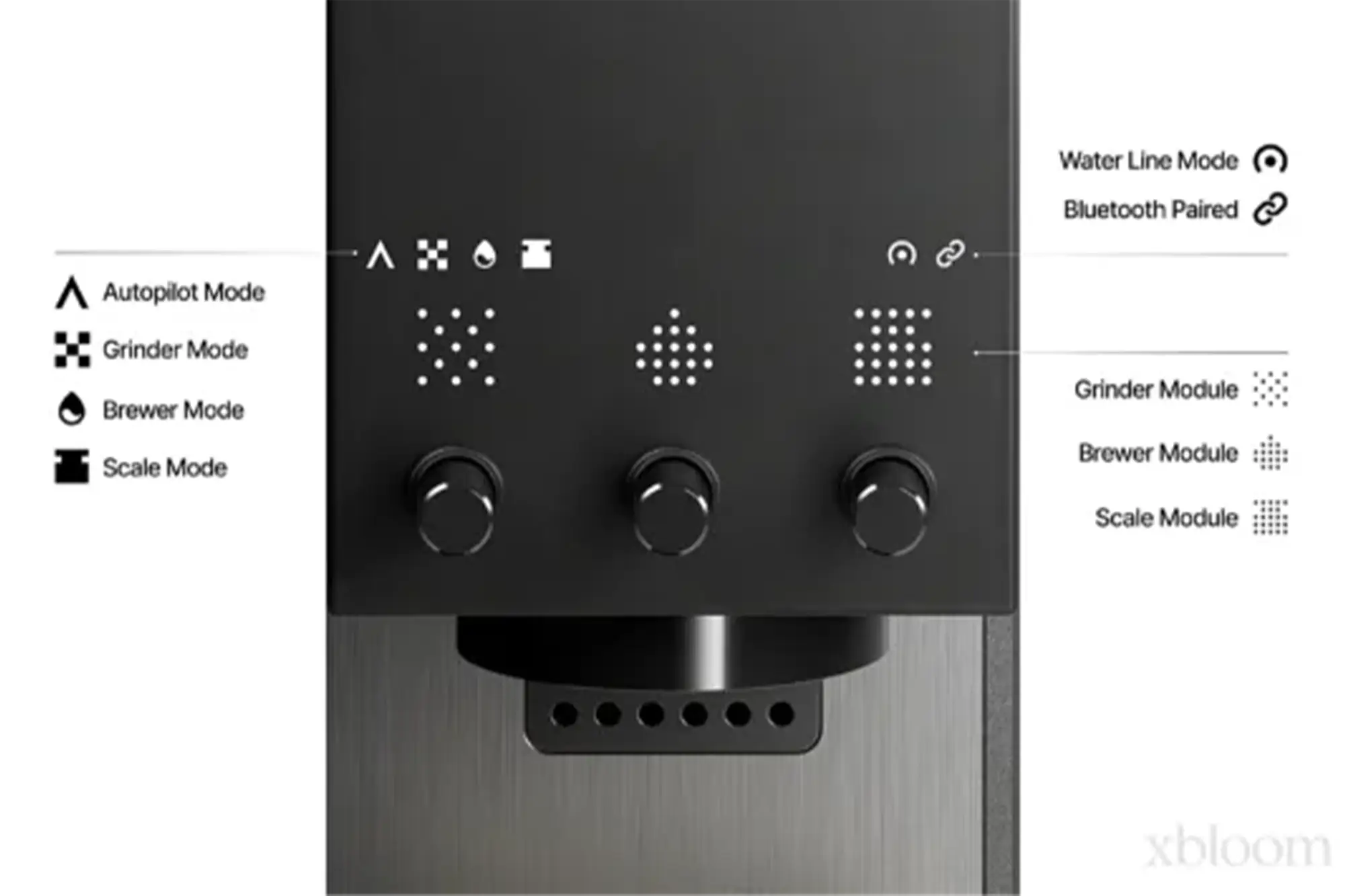
- Autopilot with xPods: Use the xPod workflow for convenient, recipe-guided coffee preparation.
- Copilot with Your Own Beans: Explore freshly roasted coffees using your preferred beans.
- FreeSolo Flexibility: Use the machine’s modules independently for a more hands-on brewing routine.
How to Use xBloom StudioFirst-Time Setup
Brew with Your Own Beans — Copilot Mode
Brew with xPods — Autopilot Mode
After BrewingDiscard the used filter and coffee grounds, clean the dripper and drip tray, and wipe away coffee splashes. Regularly brush loose grounds from the grinder chute and dock area to keep the brewing setup clean. |
Perfect For
- Home baristas and specialty coffee enthusiasts
- Pour-over and filter coffee lovers
- Personal office coffee corners
- Exploring different freshly roasted beans
- Coffee drinkers seeking convenient recipe-based brewing